How to Build a Searchable Visual Knowledge Workflow Without Losing Context
By Agileseventeen | | Business, AI
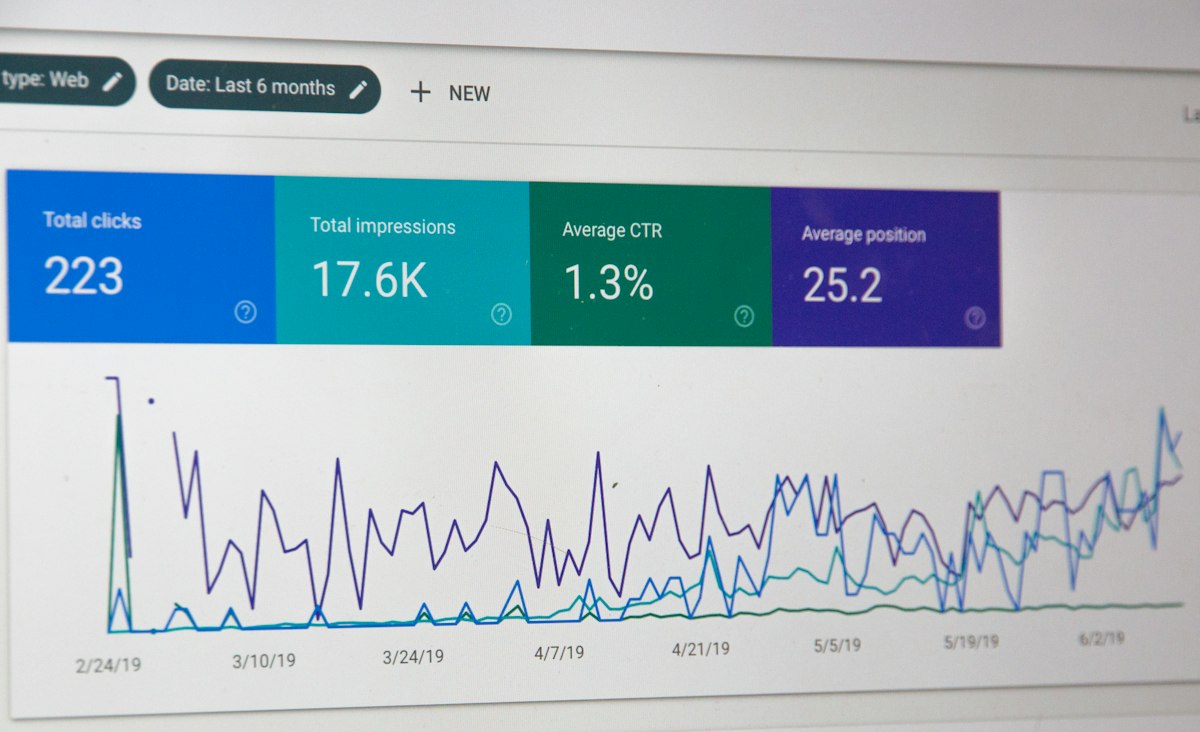
Your team's most valuable context is visual, and it is scattered across Downloads folders, chat threads, and desktops named "Screenshot 2026-09-21 at 2.14.37 PM."
As we argued in The Screenshot Is Becoming a Business Record, a growing share of modern work happens in visual, rapidly changing interfaces such as dashboards, CRM records, design mockups, and admin consoles, and the screenshot is often the only durable record of what someone saw and decided. The problem is not capturing these images. Everyone already does that. The problem is what happens next: nothing.
A visual knowledge workflow is the difference between a screenshot that answers a question in five seconds six months from now, and one that nobody can find, nobody can interpret, and nobody remembers taking. It has five stages, and every stage is a place teams routinely drop the context.
Stage 1: Capture, with a destination
The default capture path on every device ends in a folder named Downloads or Desktop. That is where context goes to die. The fix is a single rule everyone can follow: no screenshot lives on a personal device past the end of the day. The destination can be a shared drive, a wiki, or a dedicated tool. The specific platform matters less than the fact that one exists and everyone knows it. A mediocre shared location beats five excellent personal ones.
Stage 2: Context, or why it matters
This is the stage almost everyone skips, and it is the one that makes retrieval possible. An image without context is noise; an image with context is evidence. Every captured visual needs three things attached, even minimally:
- What it shows: one sentence, written for someone who was not there
- Why it was captured: the decision, question, or problem it relates to
- Where it belongs: the project, customer, or team it should be filed under
Ten seconds of typing at capture time saves the ten minutes of archaeology later. This is the core insight: context is cheapest at the moment of capture and grows more expensive every week afterward, until it becomes unaffordable.
Stage 3: Retrieval, so the future person can find it
A knowledge base nobody can search is a landfill. Retrieval requires two things: naming and searchability. Names should be predictable. A convention like "project, what it shows, date" outperforms creativity. Searchability means the text context from stage 2 is stored in a system that searches it, so "the dashboard anomaly from the Q3 campaign" finds the image even if the filename says nothing of the sort. Where available, AI-assisted search that can read the content of images can reduce the dependence on perfect naming, but the attached context still carries the "why."
Stage 4: Permissions, or who is allowed to see it
Screenshots routinely contain sensitive material: customer data, account details, internal conversations, security configurations. A workflow that dumps every image into one shared space is a compliance risk waiting to happen. Two rules keep this manageable: file by audience, not by convenience, and default to the narrowest group that can still do the work. When a visual crosses from private context to business record, such as an approval or a configuration that proves a control existed, it moves to the governed location and stays there.
Stage 5: Retention, and disposal
Visual knowledge is not exempt from the question every data asset must answer: how long do we keep this, and who decides? Some visuals are records and must be retained and retrievable. Some are working noise and should expire. A workflow with no disposal rule becomes a swamp; a workflow with no retention rule loses the evidence it was built to keep. Write both down, even simply: business records are kept per policy, working captures are reviewed quarterly and purged.
The workflow on one page
| Stage | Rule | Failure it prevents |
|---|---|---|
| Capture | Nothing stays on personal devices past end of day | Lost images; private knowledge bases of one |
| Context | Every visual gets what, why, where, in one sentence each | Uninterpretable images nobody can use later |
| Retrieval | Predictable naming and searchable text context | "I know we had that screenshot somewhere" |
| Permissions | File by audience; narrowest group that can do the work | Sensitive data in open shared spaces |
| Retention | Records kept per policy; working captures reviewed quarterly | A swamp that is both a liability and unusable |
Start this week: pick one recurring visual, such as the competitor screenshots, the customer-reported defects, or the dashboard anomalies your team already captures weekly, and run all five stages on it for a month. One well-run visual knowledge loop teaches the workflow better than a company-wide mandate.
Why this matters more each year
Every trend in modern work pushes toward more visual context, not less: more dashboards, more distributed teams making decisions asynchronously, more tools whose interfaces change monthly. The teams that treat visual knowledge as a workflow, captured, contextualized, retrievable, governed, and disposed of deliberately, accumulate a compounding asset. The teams that do not repeat the same research, lose the rationale behind their decisions, and discover their risk exposure only when it is too late.
Build the workflow, not just the folder
Agileseventeen embeds generative AI into internal knowledge management and workflow systems, including searchable, governed repositories. Explore AI training or talk to our team.
Related reading
- Agileseventeen, The Screenshot Is Becoming a Business Record